General
Swagger API Specification
Authentication
Authorization: Basic ... header to every request. Example:
GET https://api.immo-billie.com/
Authorization: Basic base64EncodedUsernameAndPassword
For getting username and password, please contact immo-billie.
Rate Limit
The following response headers are returned on a successful response when the rate limit has not been hit:
-
X-Rate-Limit-Limit: Indicates how many calls may be made per time window. -
X-Rate-Limit-Remaining: The number of requests left for the time window. -
X-Rate-Limit-Reset: The timestamp when the rate limit resets.
429 Too Many Requests is returned. In this case, the following response header is set:
-
Retry-After: Indicates how long the user agent should wait before making a follow-up request (in seconds).
Integration with Web-Plugin
-
Include the following
scripttag at the end of your HTMLbody:<script type="text/javascript" src="https://cdn.immo-billie.com/web-plugin/immo-billie-auction-list-v2.js"></script> -
Add a the following custom tag in your website where you want to place the auction list.
your-tenant-idis a GUID which is available in the cancellery edit page in the immo-billie web interface. This custom tag shows all currently running auctions.<immo-billie-auction-list tenant-id="your-tenant-id"></immo-billie-auction-list> -
This step is optional. The web-plugin provides various CSS variables to style the web-plugin based on the customer's needs.
For example, primary and secondary colors can be configured so that the web-plugin visually integrates into the customer's website.
The following CSS variables are used which may be overwritten after the
immo-billie-auction-listtag is used. The variables provide reasonable default values and most of them don't need to be overwritten. The most important ones are--immo-billie-container-max-width,--immo-billie-primary-colorand--immo-billie-secondary-color.<style> :root { /* Sizes */ --immo-billie-container-max-width: 1140px; --immo-billie-content-left-col-width: 3fr; --immo-billie-content-right-col-width: 5fr; --immo-billie-content-column-gap: 25px; --immo-billie-content-row-gap: 25px; --immo-billie-image-size: 225px; --immo-billie-price-caption-font-size: 100%; --immo-billie-price-font-size: 133%; /* Colors */ --immo-billie-primary-color: #41bbae; --immo-billie-list-item-color: #555; --immo-billie-secondary-color: var(--immo-billie-list-item-color); --immo-billie-badge-background-color: var(--immo-billie-primary-color); --immo-billie-badge-color: #fff; --immo-billie-list-item-background-color: #ededed; --immo-billie-icons-background-color: transparent; --immo-billie-broker-image-background-color: white; --immo-billie-price-highlight-background-color: #b6ddd9; --immo-billie-price-highlight-color: var(--immo-billie-list-item-color); --immo-billie-expand-section-background-color: #f5f5f5; --immo-billie-contact-background-color: #b9d9e6; --immo-billie-contact-color: #333; --immo-billie-primary-button-color: #fff; --immo-billie-secondary-button-color: #fff; --swiper-navigation-color: #fff; /* Font Weights */ --immo-billie-title-font-weight: inherit; --immo-billie-price-font-weight: inherit; } </style> -
This step is optional. Showing the list of already ended auctions requires using the custom tag from step 2 again with slighty different attributes:
tenant-id: Same as in step 2. The cancellery's ID.ended="true": Defines that the ended auctions will be shown.max-count: This attribute is optional and defines the maximum number of auctions which will be shown.
<immo-billie-auction-list tenant-id="your-tenant-id" ended="true" max-count="5"></immo-billie-auction-list>The ended auctions which will be shown can be configured in the auction settings in the immo-billie web interface:
Samples
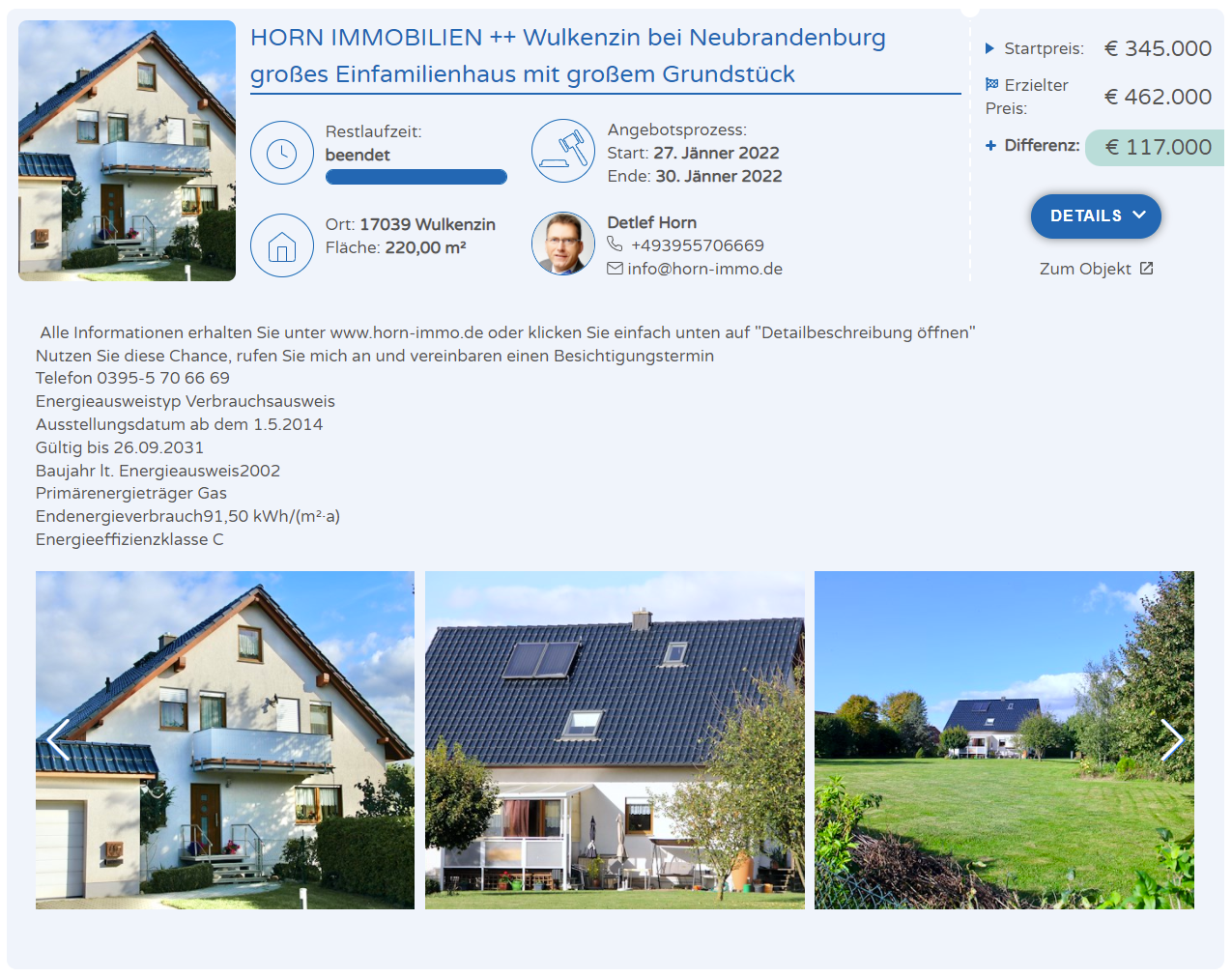
List
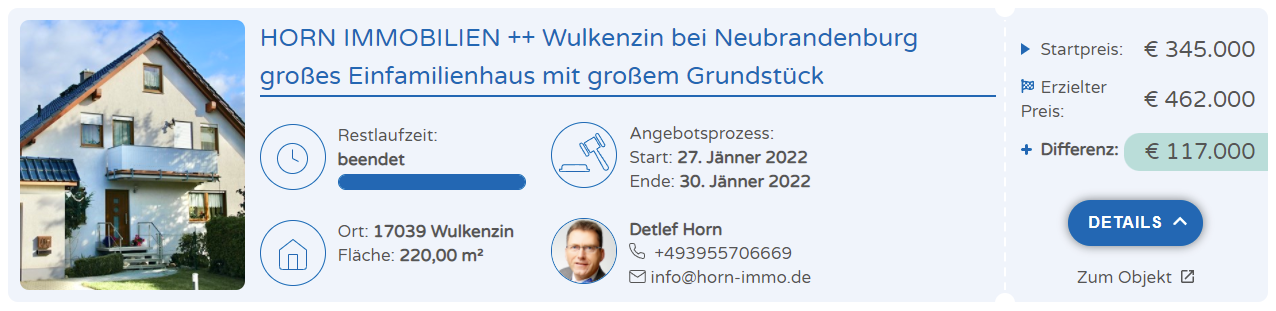
Details